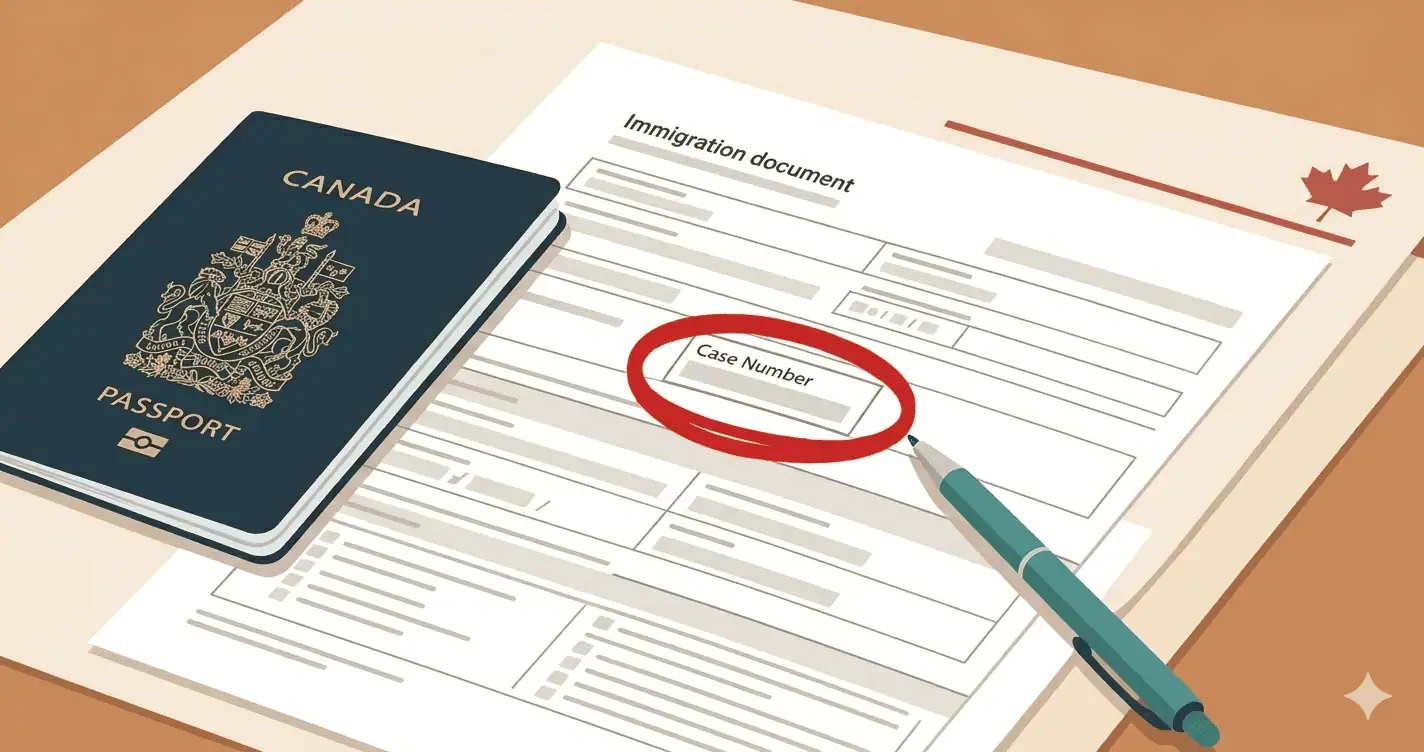
The number that follows you through every step of your Canadian immigration application
If you have ever received a document from Immigration, Refugees and Citizenship Canada — a visa, a permit, a letter, a notice of assessment — there is a number printed on it that most applicants overlook. That number is your IRCC client identification number, also called a unique client identifier or UCI. It is one of the most practically important numbers in your entire immigration file, and knowing where to find it and when to use it can save you significant time and confusion at critical moments in your application.
This guide explains exactly what the UCI is, where to find it, when you will need it, and what to do if you do not have one yet.
What is the IRCC client identification number?
The IRCC client identification number — officially called the unique client identifier, or UCI — is a personal reference number that IRCC assigns to every individual who has ever applied for a Canadian visa, permit, or immigration document. It identifies you uniquely in IRCC’s Global Case Management System across all applications you have ever made or will make.
As IRCC’s Help Centre explains, the UCI appears in one of two formats depending on when your file was created:
- Four digits, a hyphen, and four more digits — for example, 0000-0000
- Two digits, a hyphen, four digits, a hyphen, and four more digits — for example, 00-0000-0000
Both formats are valid. The format difference reflects when your IRCC file was first created, not any difference in status or application type.
The UCI is also sometimes referred to as the client ID number or client identification number. These terms all refer to the same number — IRCC uses them interchangeably across different documents and forms.
Where to find your UCI number
Your UCI appears on virtually every official document IRCC has ever sent you. If you have received any of the following, your UCI is printed on it:
Previous visas or permits. Any Canadian study permit, work permit, visitor visa, or permanent resident card issued to you will have your UCI printed on the document itself or in the accompanying letter.
IRCC letters and notices. Any written correspondence from IRCC — including acknowledgment of receipt letters, additional document requests, medical instruction letters, and decision letters — includes your UCI at the top of the document.
Medical instruction letter (IMM 1017E or IMM 1020E). If IRCC has sent you a medical instruction letter for a non-upfront immigration medical exam, your UCI appears on that letter. You will need it when booking your appointment with a panel physician.
Acknowledgment of claim documents. For refugee claimants, the UCI appears on the Acknowledgment of Claim document issued when a refugee claim is filed.
Your IRCC online account. If you manage your application through the IRCC secure online portal, your UCI is displayed in your account profile and on your application summary.
If you have multiple documents from IRCC, the UCI will be the same on all of them — it is assigned once and stays with you permanently.
What if you do not have a UCI yet?
If you are applying to IRCC for the first time and have never previously held a Canadian visa, permit, or immigration document, you will not yet have a UCI. This is completely normal and expected.
On immigration forms that ask for your UCI, write “Not Applicable” or “N/A” if you are filling out a paper form. If you are completing an online application and the field does not allow text, leave it blank. IRCC will assign you a UCI when they create your file after receiving your first application.
For Express Entry applicants completing an upfront immigration medical exam before submitting their permanent residence application, you may not yet have a UCI at the time of your exam. This is fine — the panel physician can still complete your exam and will generate an Immigration Medical Examination (IME) number for your file. When you subsequently submit your Express Entry application, your UCI will be assigned and linked to your medical results in the eMedical system.
When you will need your UCI
Your UCI comes up at multiple points throughout the immigration process. Here are the key moments when having it on hand matters:
Booking your immigration medical exam. When you contact a panel physician to book your Canadian immigration medical exam, the clinic will ask for your UCI or IME number if you have one. This allows them to link your appointment to your existing IRCC file. If you do not have a UCI yet, tell the clinic — they will create a UMI (Unique Medical Identifier) for you at the time of booking, which serves the same linking function. Use the IRCC Doctors directory to find an approved panel physician near you.
Filling out IRCC application forms. Every IRCC form — IMM 0008, IMM 5257, IMM 1294, and many others — includes a field for your UCI. Having it ready before you start filling out forms prevents delays.
Contacting IRCC. When you call or write to IRCC about your application status, the first thing a service agent will ask for is your UCI. Without it, they cannot locate your file and cannot assist you. Always have your UCI ready before contacting IRCC.
Tracking your application online. Your IRCC online account uses your UCI to display your application history and current status. It is also used to verify your identity when logging in.
Claiming the 5-year IME exemption. If you completed an immigration medical exam within the last five years and are applying from within Canada, you may be exempt from completing a new exam. To claim this exemption, you include your previous IME number or UCI in your application so IRCC can locate your previous medical results. Without it, the exemption cannot be applied.
Re-medical requests. If IRCC contacts you to request a new medical exam because your previous results have expired, the re-medical instruction will include your UCI and your existing IME or UMI number. Bring these to your new appointment with a panel physician.
The difference between a UCI, an IME number, and a UMI
These three numbers are related but distinct, and confusing them is common.
UCI (Unique Client Identifier) — your personal IRCC identifier, assigned once and used across all applications. This is the master reference number for your entire immigration history with IRCC.
IME number (Immigration Medical Examination number) — a number assigned to a specific medical exam. It links a particular exam result to your IRCC file. You receive this after completing your exam — it appears on the Information Printout Sheet or IMM 1017B form your panel physician gives you at the end of the appointment.
UMI (Unique Medical Identifier) — a number generated by the panel physician’s eMedical system when a new applicant books an exam without an existing UCI. It temporarily identifies you in the medical system until IRCC assigns a UCI and links the two records. If you are a first-time applicant completing an upfront IME before your UCI is assigned, the clinic will give you a UMI.
When a clinic asks for your “UCI or UMI number” at the time of booking, provide whichever one you have. If you have neither — because this is your first IRCC interaction — tell the clinic and they will create a UMI for you. See our step-by-step booking guide for exactly what information to have ready when contacting a clinic.
What to do if you cannot find your UCI
If you have previously held a Canadian visa or permit but cannot locate your UCI, try these steps in order:
Check every IRCC document you have ever received — visa labels, permit cards, letters, and email attachments from IRCC.
Log into your IRCC secure online account — your UCI appears in your profile.
Check your email inbox for any correspondence from IRCC — notification emails often contain your application number, and the UCI appears on any attached documents.
If you genuinely cannot locate it, contact IRCC’s client support centre directly. Be prepared to verify your identity with your passport information, date of birth, and any application numbers you do have.
Frequently asked questions
Ready to book your immigration medical exam?
If you have your UCI and are ready to book your exam, use the IRCC Doctors directory to find an approved panel physician in your city or country. Read our complete guide to booking your immigration medical exam to know exactly what information to have ready when you call.
Last updated: May 2026. For the most current information on the UCI and IRCC client identifiers, visit the IRCC Help Centre.